The video monitoring function is mainly used in conjunction with devices with video capabilities (such as 705C/705A), allowing for real-time video monitoring of vehicles. Before use, it is necessary to configure the vehicle in the video configuration module of the configuration center, and set the number of streaming media servers and camera channels.
Initial configuration
Before using the video monitoring function, you need to enter the video configuration module of the configuration center to configure the target vehicle. The specific configuration contents include the number of streaming media servers and camera channels.
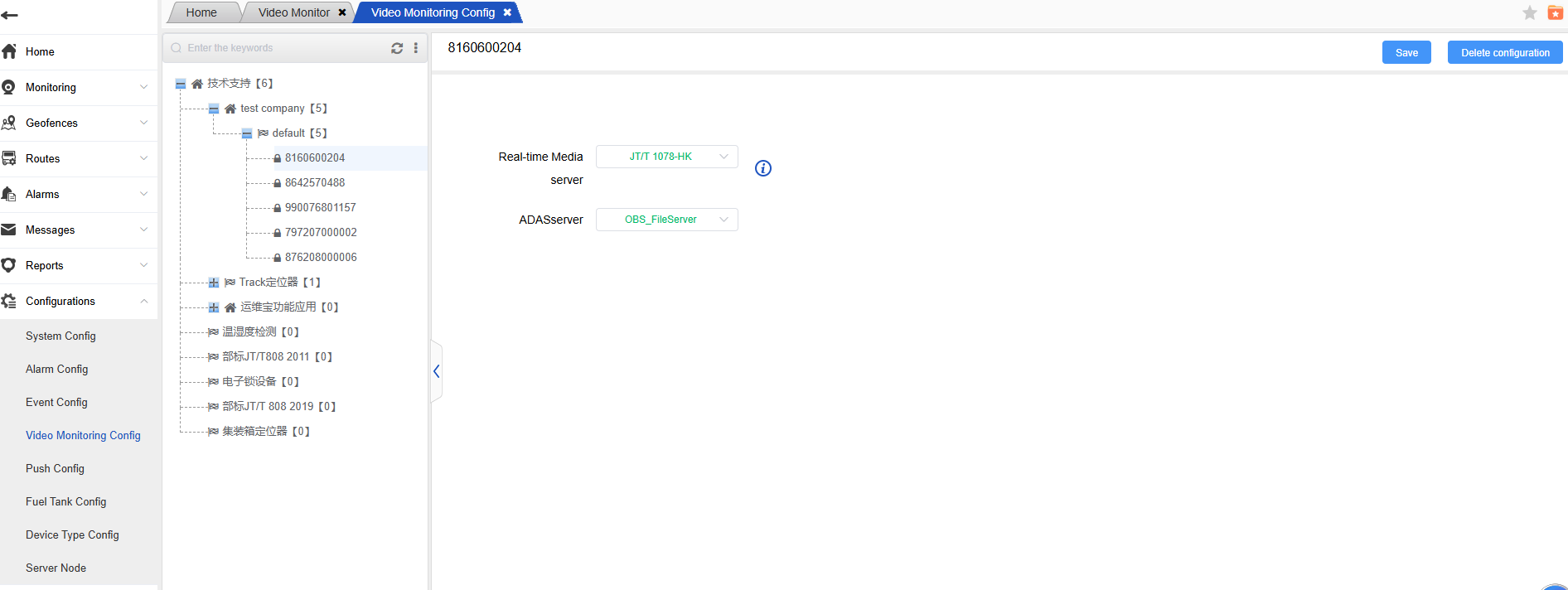
Channel operation function
Each channel supports multiple operations. The operation buttons are located within the red frame. From left to right, they are: volume, screenshot, stop, and zoom.
Click the middle play button to start real-time on-demand playback of the video. The playback effect is as shown in the corresponding illustration.
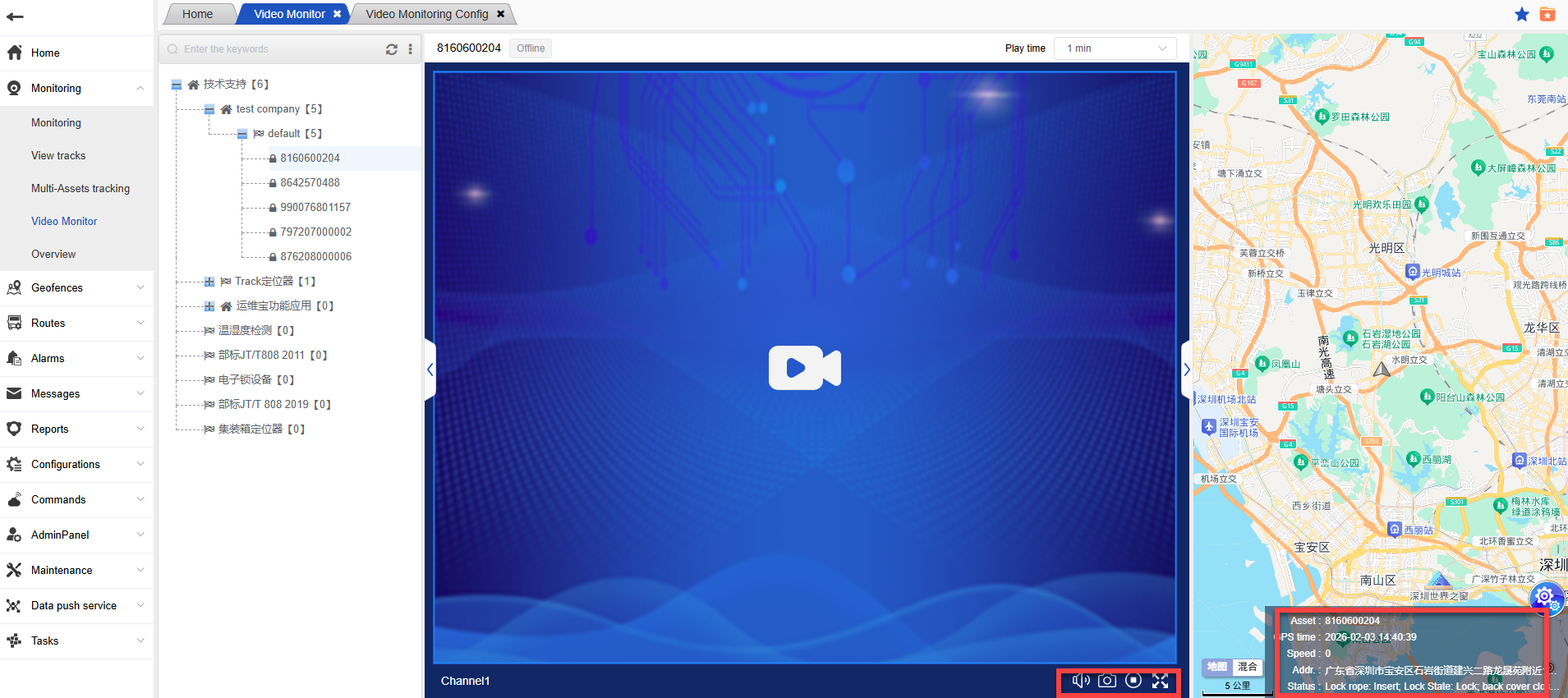
- On the right is the map location of the vehicle. The location will be updated in real time. Clicking on the vehicle icon on the map will display the details of the vehicle.