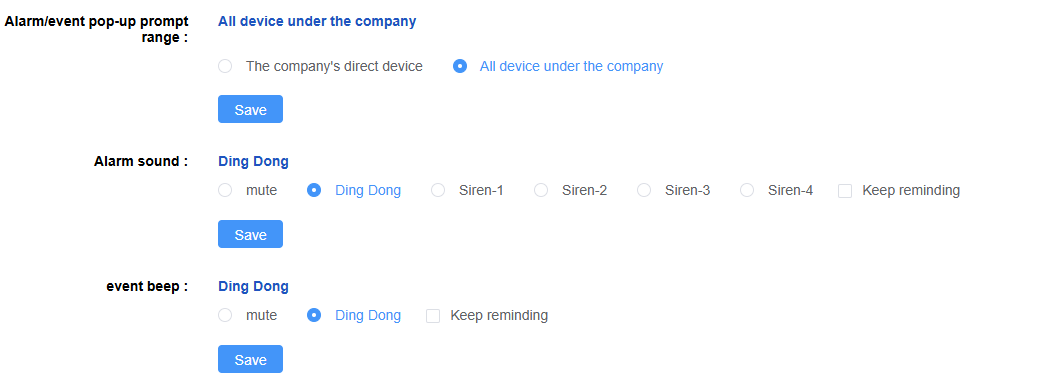
System configuration is used to configure some system parameters, such as the configuration of time zone, mileage unit, etc.
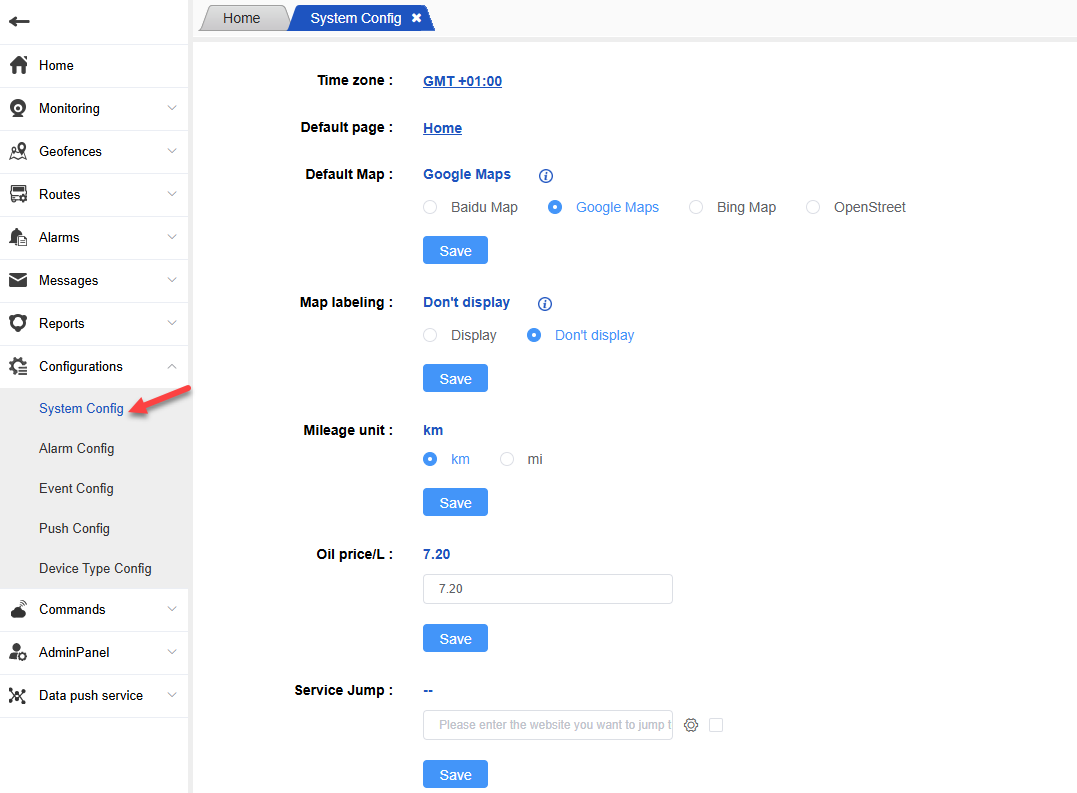
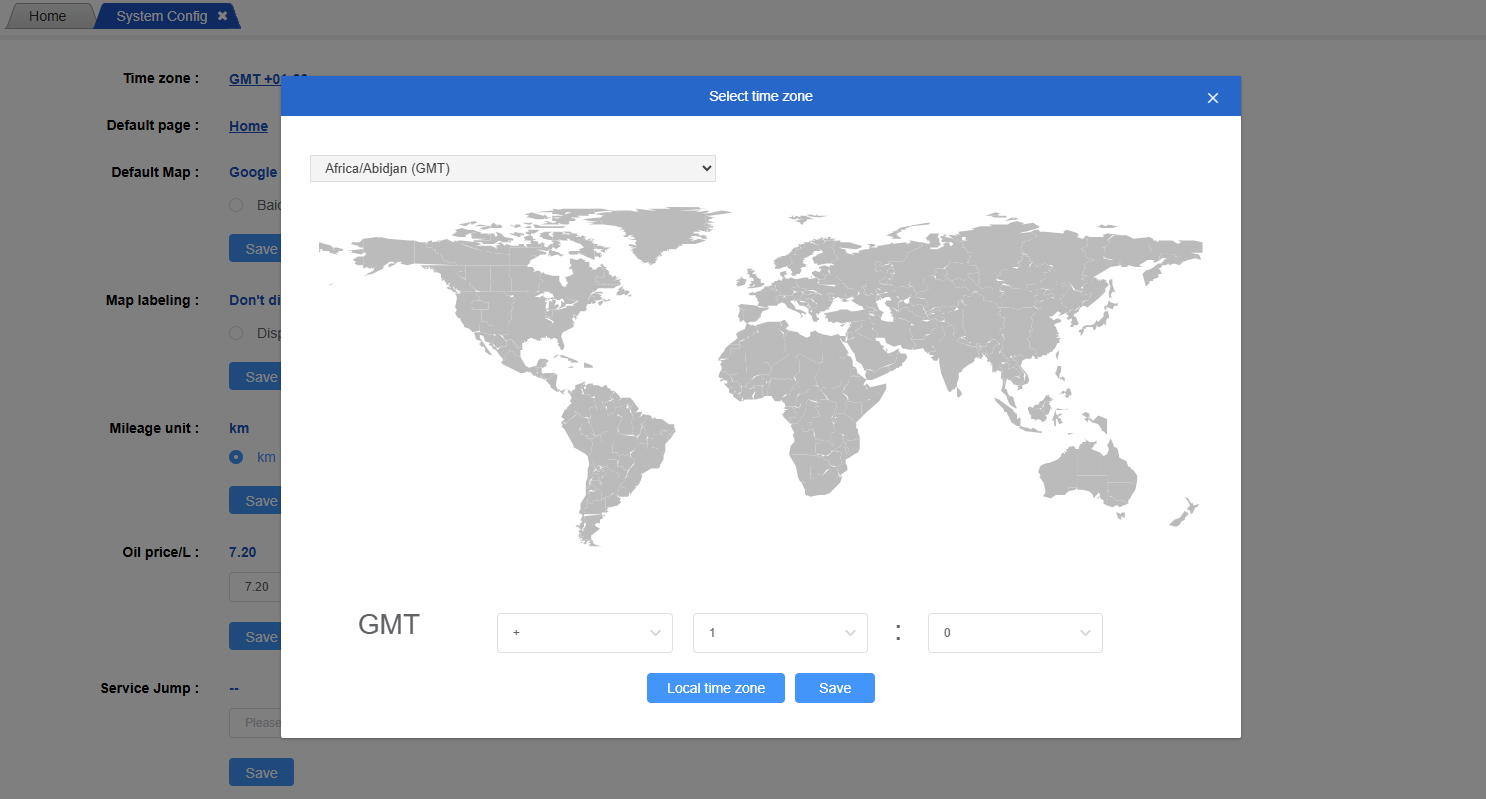
Time Zone:
After configuring the time zone, display and query various data according to the current time zone;
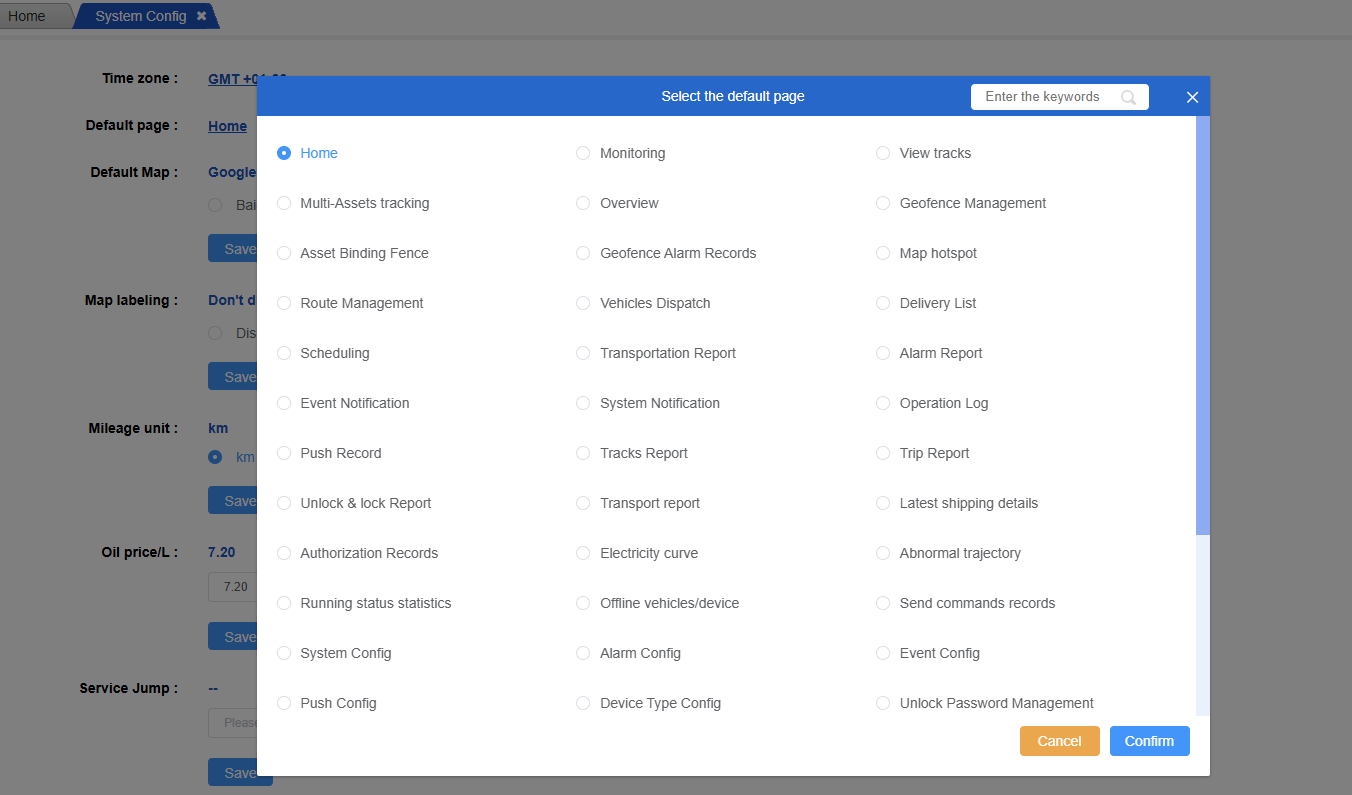
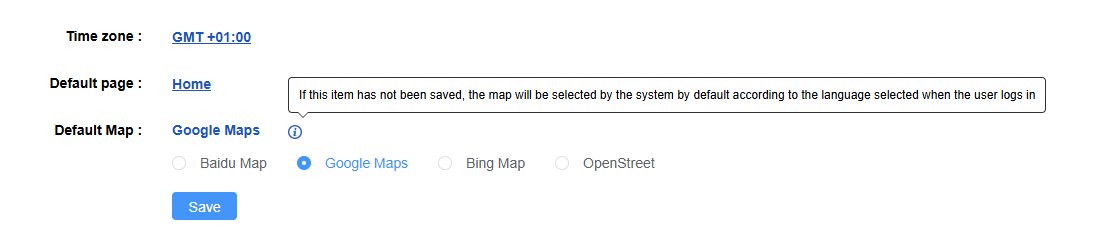
Default page:
After the system comes in, the home page is displayed by default, or it can be configured to display monitoring. After the configuration is configured here, the configured page will be displayed by default after logging in;
Default map:
After configuring the map, the system will display the configured map wherever the map is involved, and the Baidu map will be displayed by default;
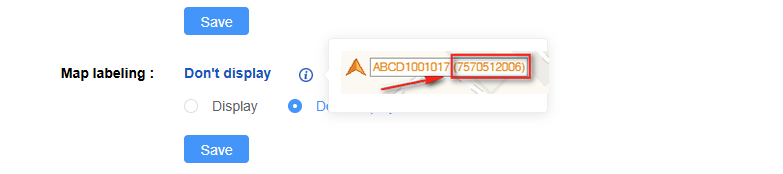
Whether the map label shows device ID:
It is mainly used for whether to display the device ID in monitoring. If the configuration is not displayed, the monitoring page will only display the asset name.
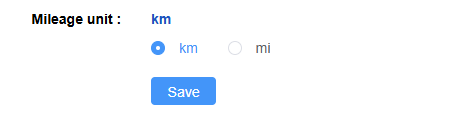
Mileage unit:
After configuring the mileage unit, where the mileage is involved, the data will be displayed and converted according to the configured mileage unit, and KM is displayed by default;
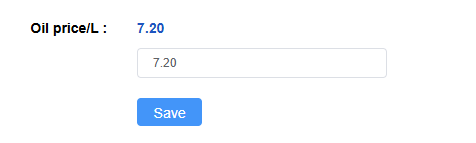
Oil price/L:
After the fuel level unit is configured, where the fuel level is involved, the data will be displayed and converted according to the configured fuel level unit, and the default display is liter;
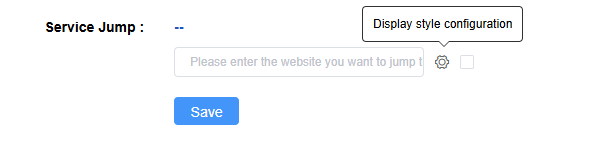
Service Jump:
Set up a third-party redirection link. After saving the link name here, it will be displayed in the navigation bar. Quick access window.
Alarm/event pop-up prompt range:
Used for system/event alarms. Configuration of alert tones and alert permission ranges.