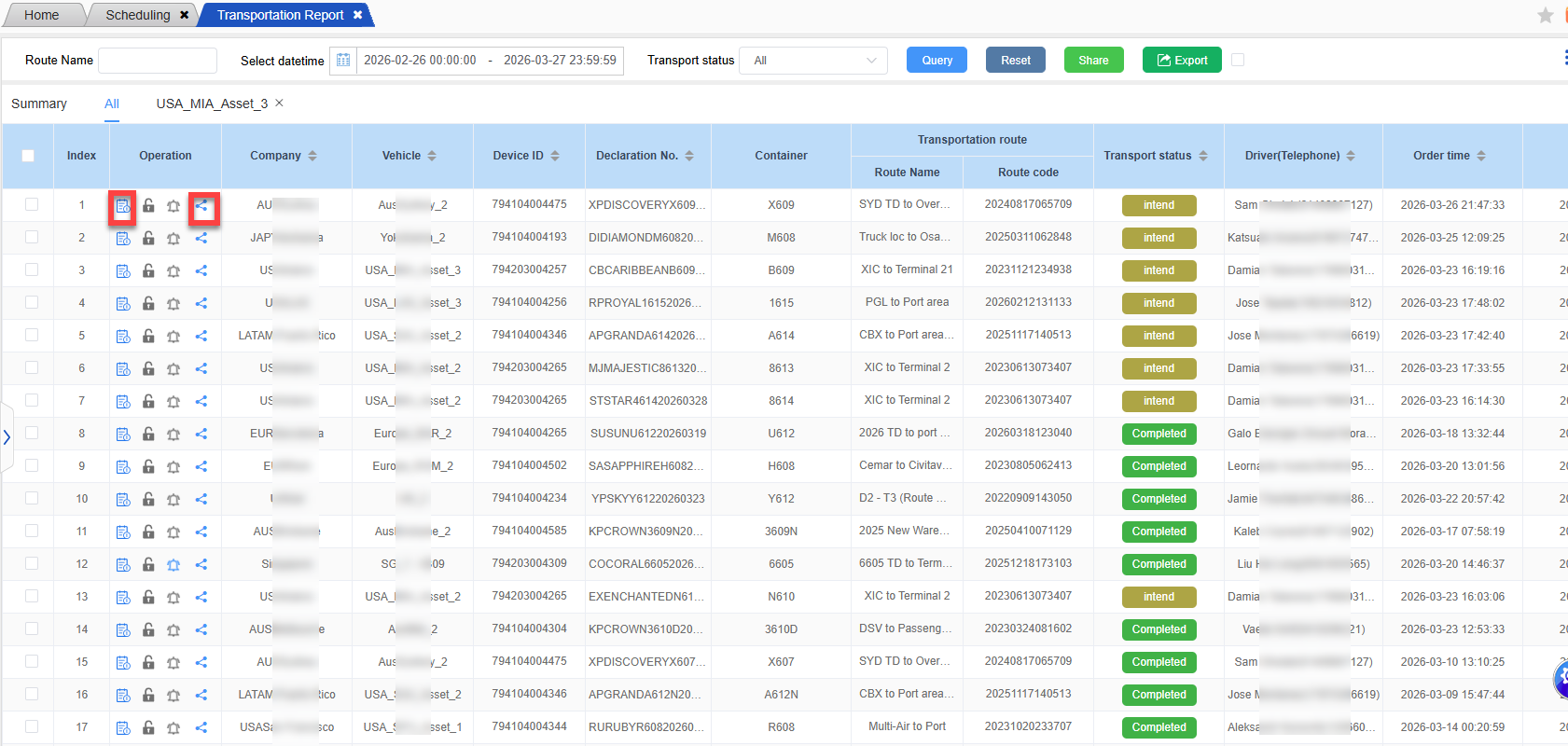
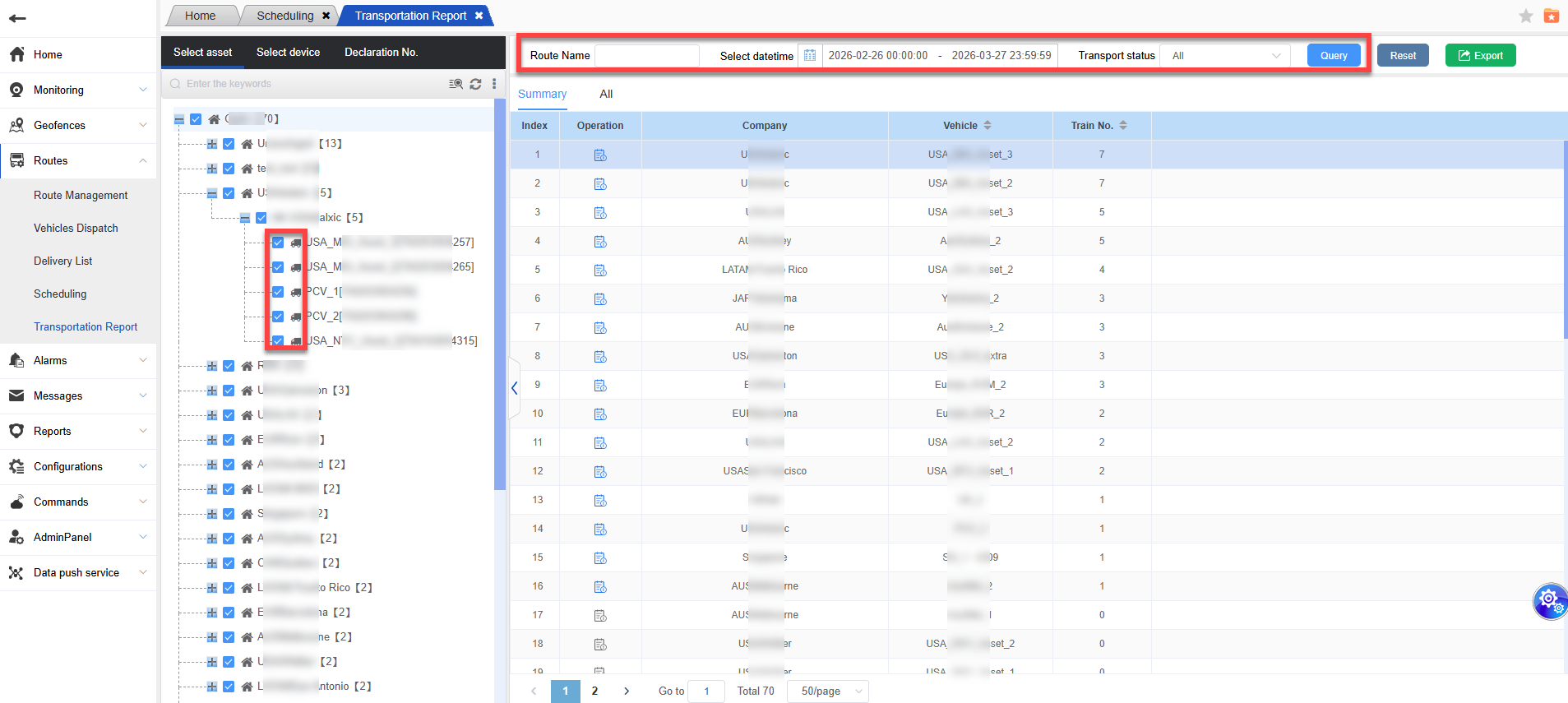
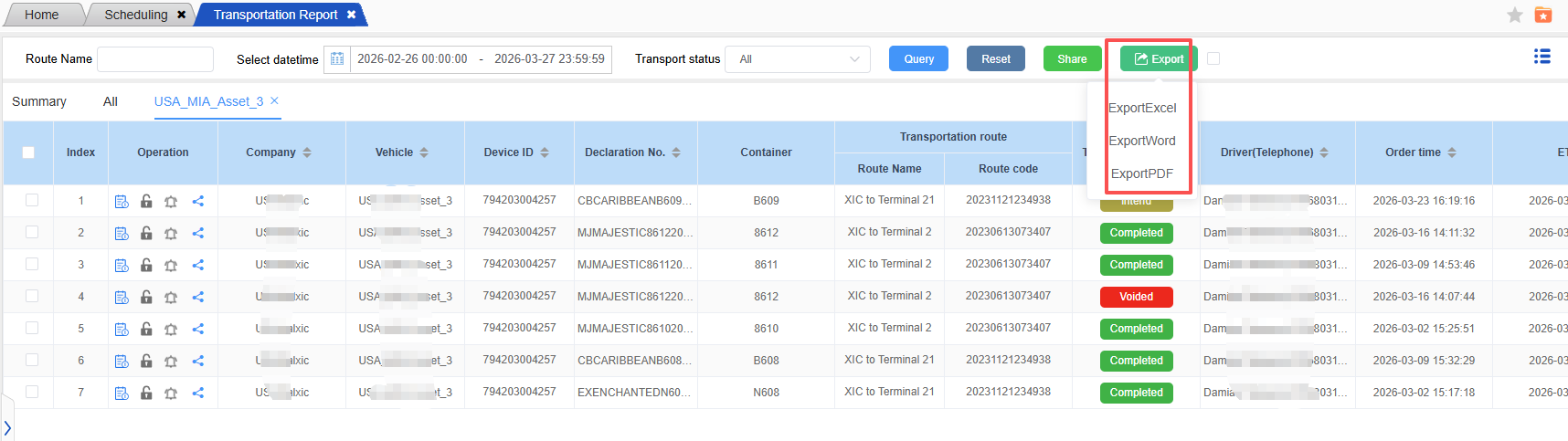
The transportation report is used to count all the data of the dispatched vehicles; Check the vehicle or enter the route name, select the time interval and transportation status, and then click “Query” to proceed.
Click on the detail icon in the operation to view the detailed data of a certain vehicle, or click on all pages to view the detailed data of all vehicles;
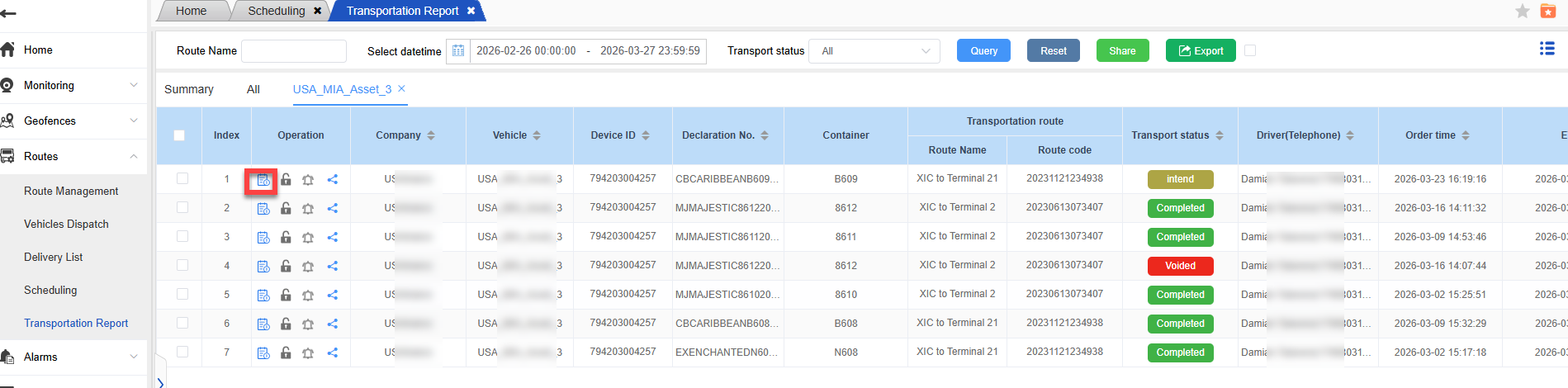
You can choose the transportation status to display the number of vehicles in different transportation states. There are three transportation states: incomplete, completed, and voided.
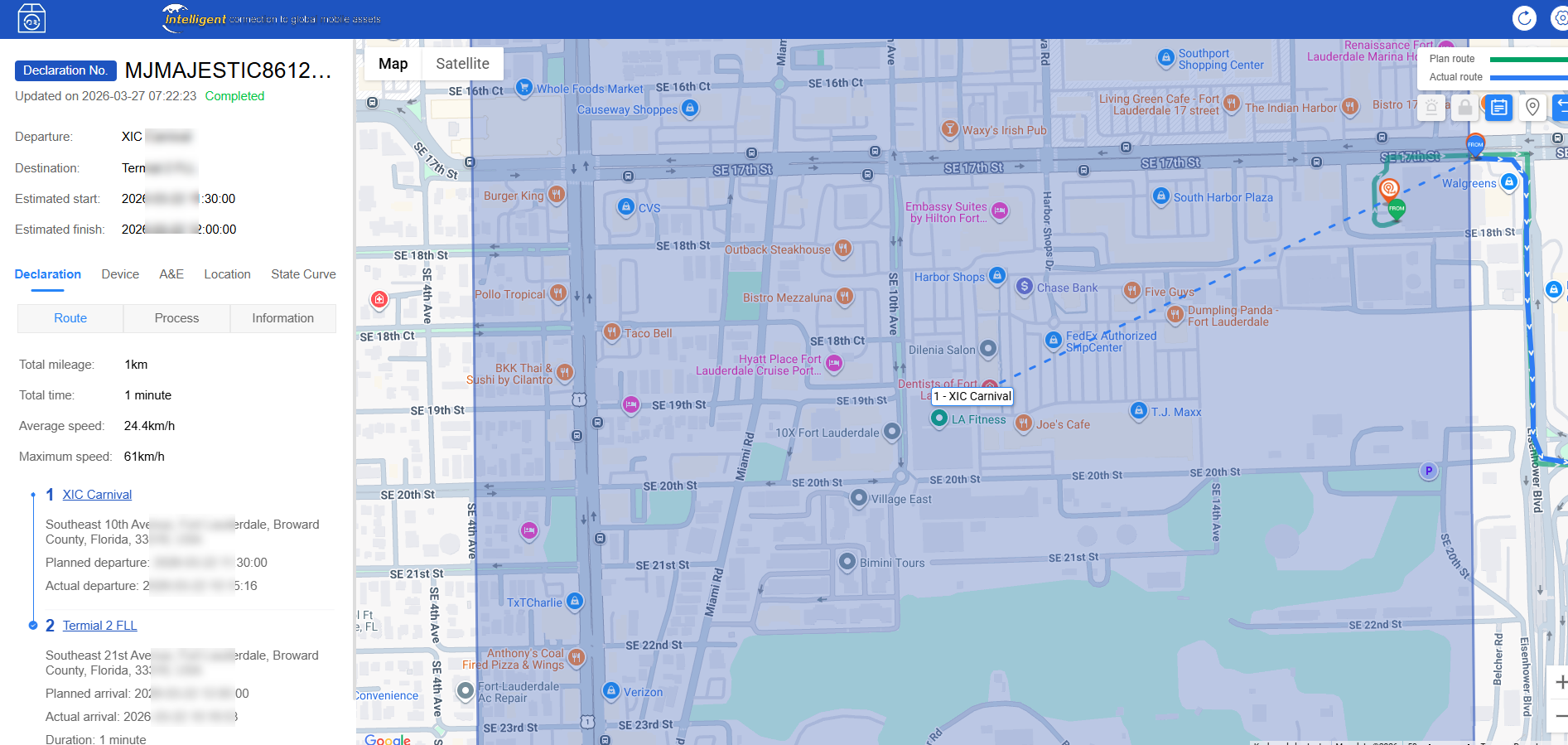
In the detailed data, the actual departure time and actual arrival time of the arrived train will be displayed;
The completed trains will display the actual departure time, actual arrival time, and completion time, and you can intuitively see the operation of the vehicle.
Export:
1.Export the trajectory list to Excel for viewing. You can export based on the custom displayed fields. The supported export formats include Excel, Word and PDF.
View Details & Share:
The report page is also equipped with buttons for “View Details” and “Share”, which are in line with the operations of the shipping order management and shipping order dashboard functions.