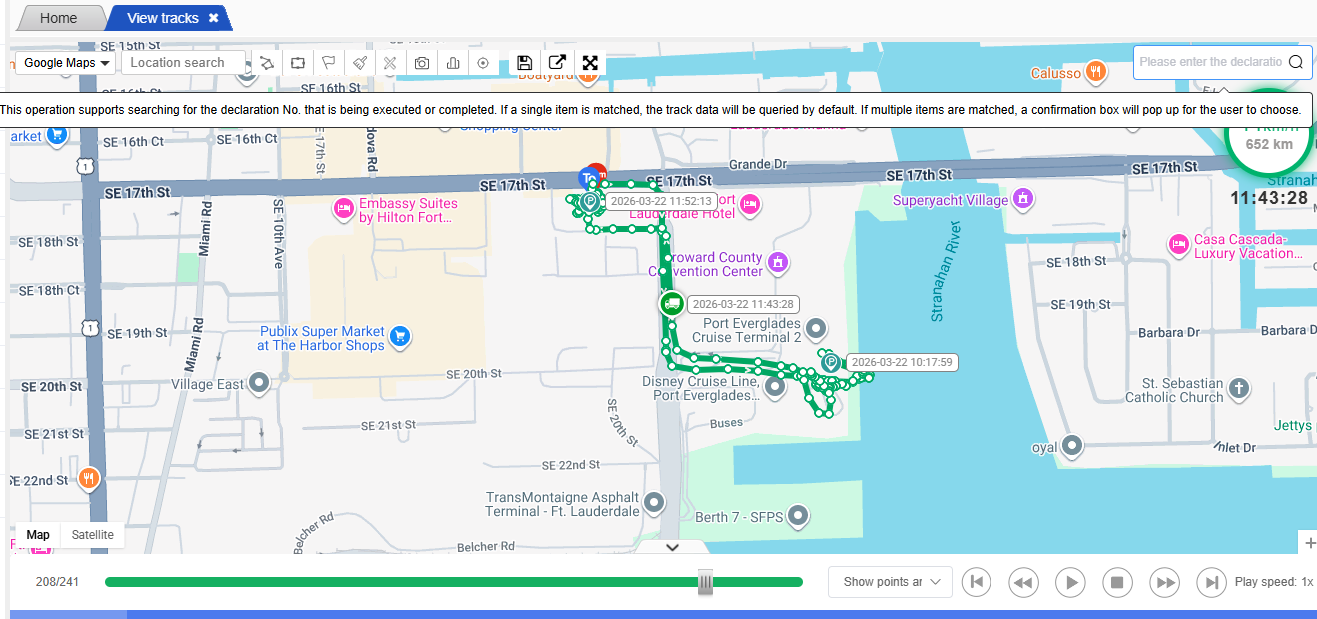
The track playback function enables users to query the historical driving track of the vehicle, and perform operations such as displaying, optimizing and replaying the track. Through this function, it is also possible to use the tracking number to query the device’s track information.
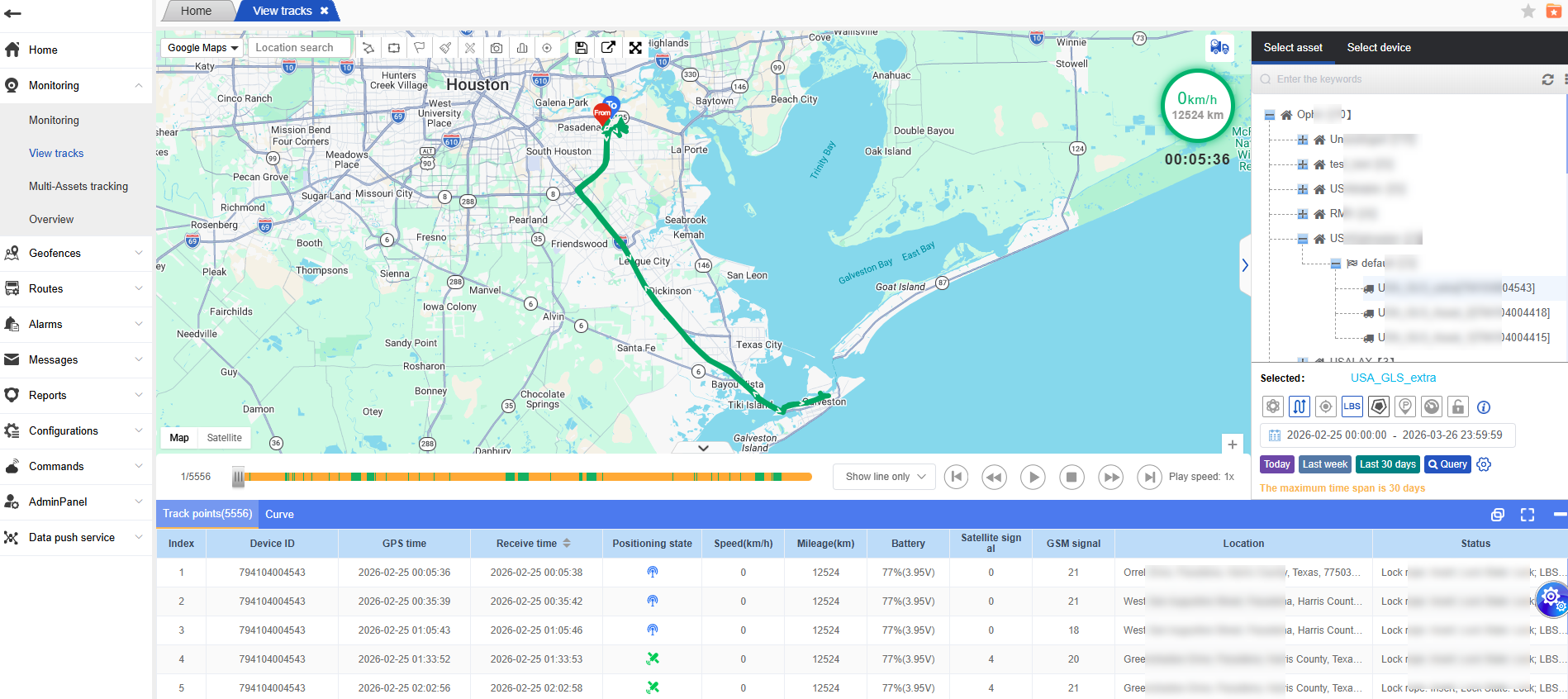
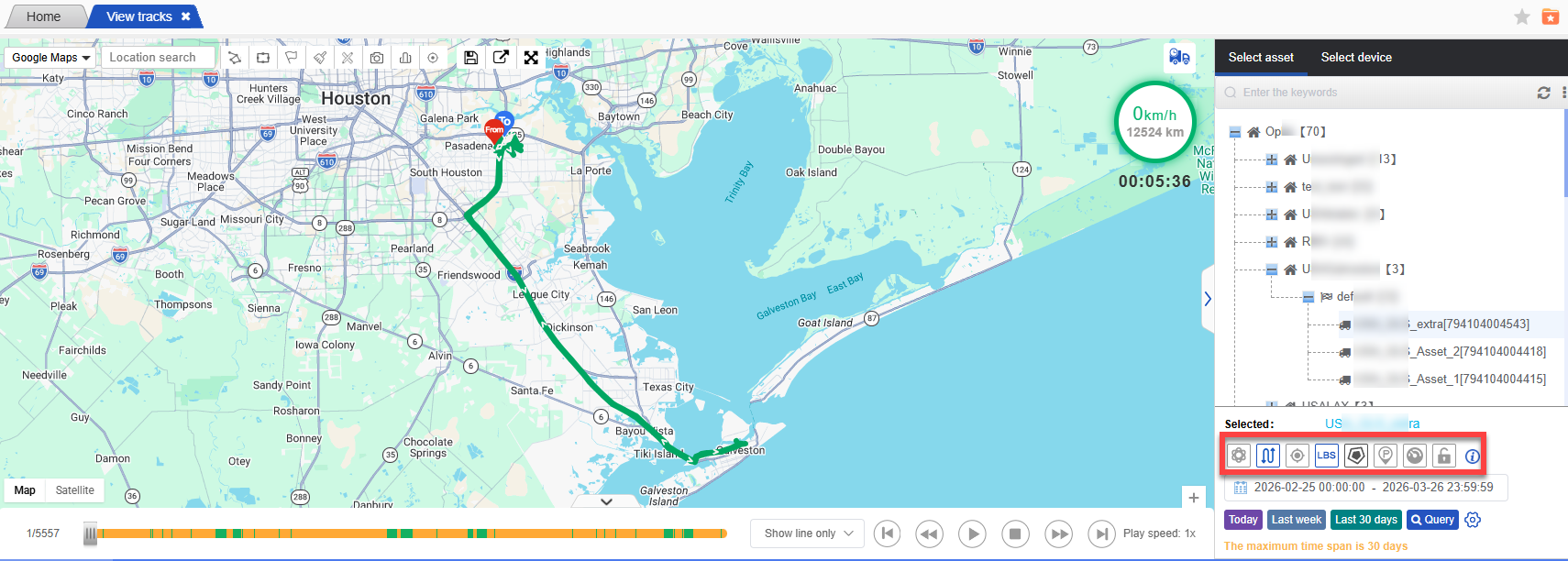
The overall effect of the track playback is as follows:
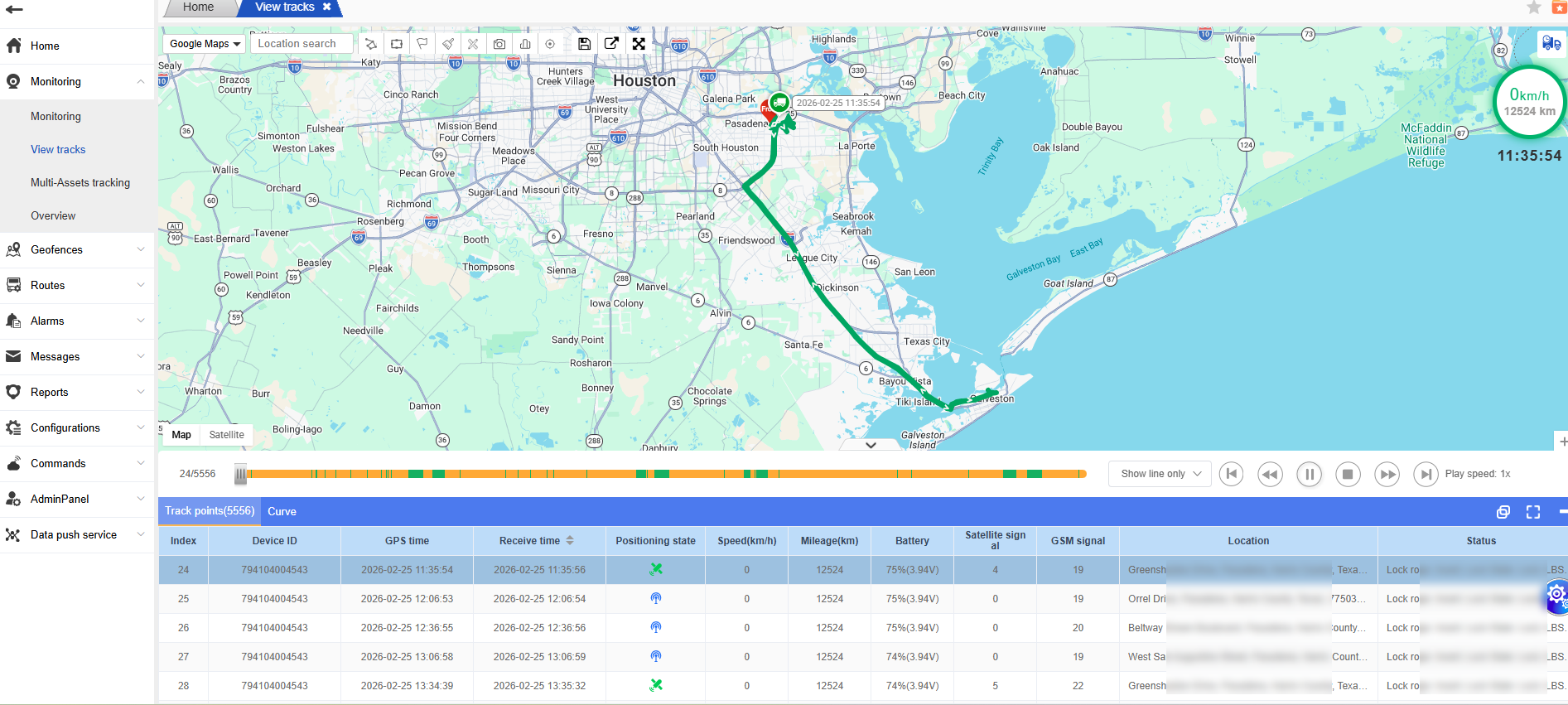
Select any vehicle on the right side, and you can view the historical travel path of the current vehicle.
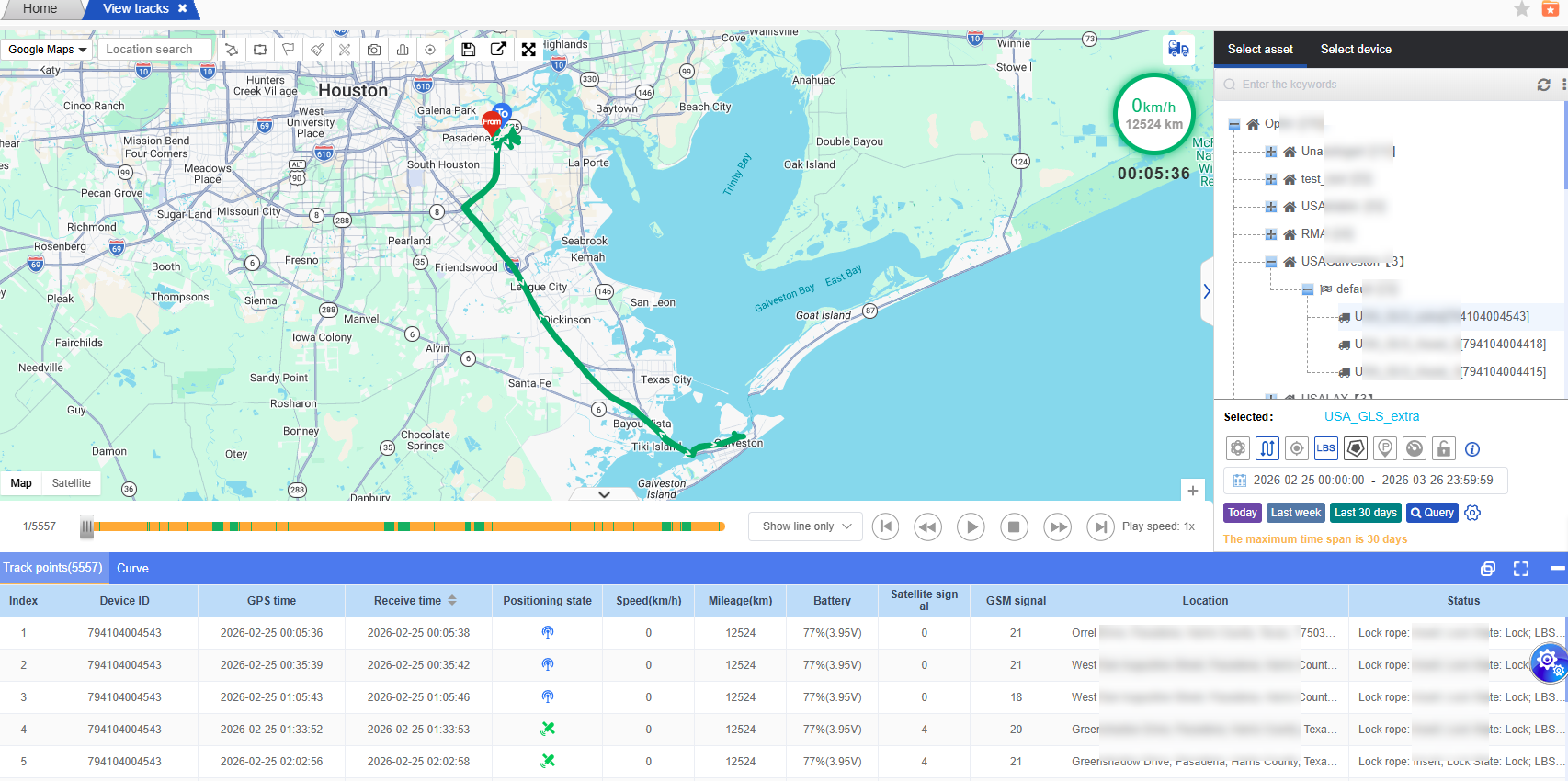
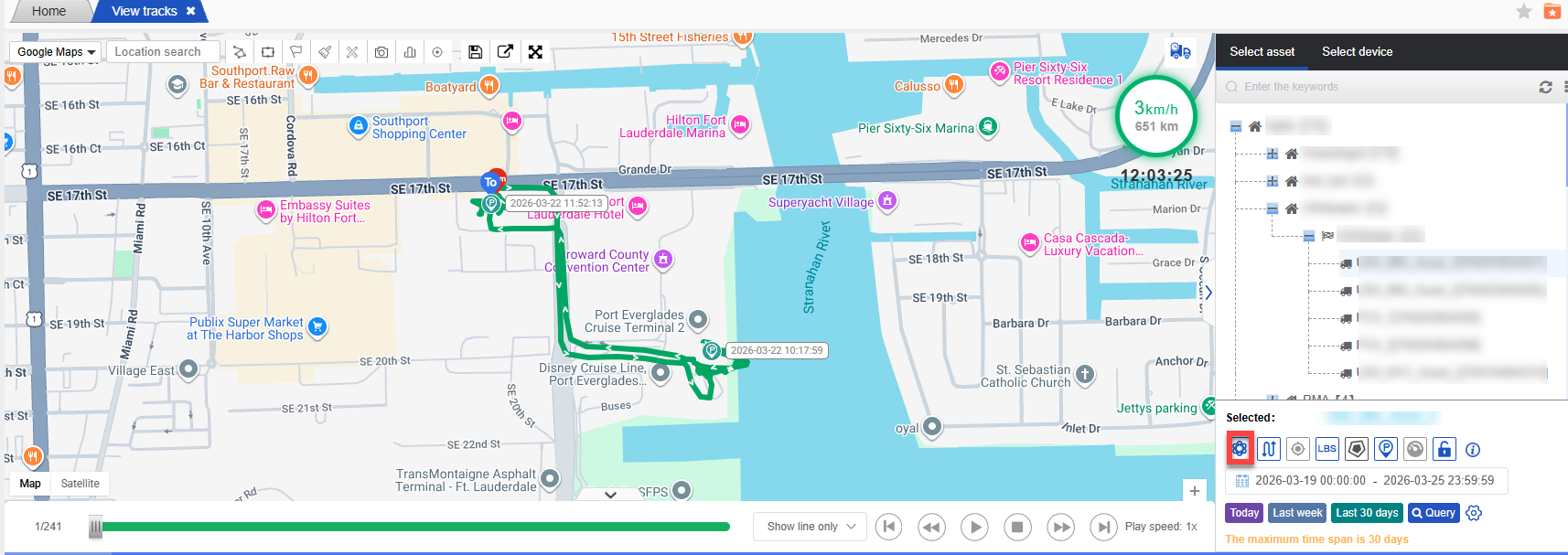
If you select these states during the query, the corresponding points for those states (such as parking spots and fence information) can be displayed on the map.
These points will also vary depending on the type of device bound to the vehicle. For example, for a fleet management device, there will be functions such as adding or reducing fuel; for an intelligent lock, there will be functions like opening or locking…
If you check the option to enable the track optimization scheme during the query, the system will filter out the points where the speed is equal to 0, thereby improving the query efficiency and making the track lines more in line with the actual running situation.
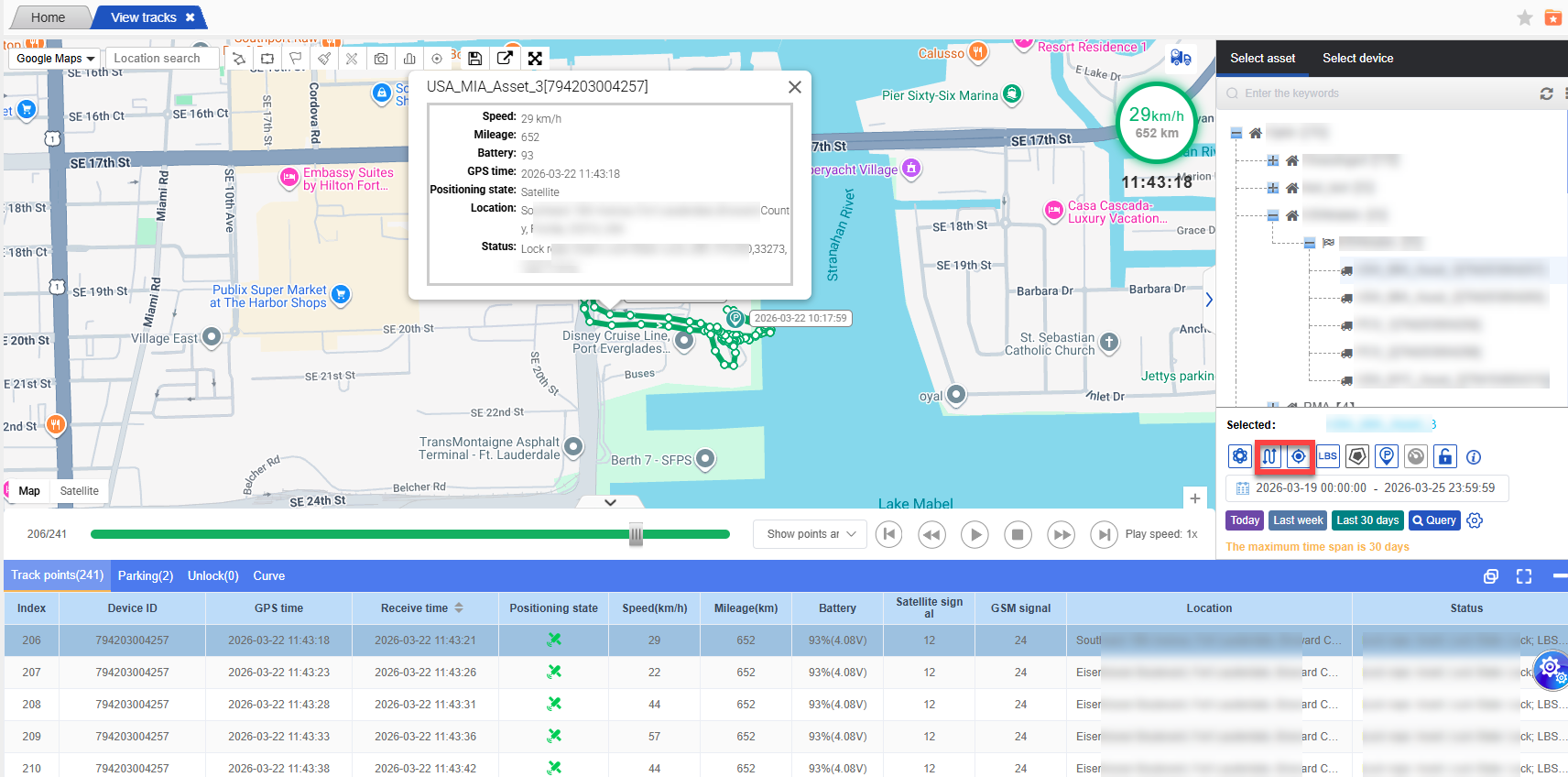
The retrieved track will have lines and points by default. Clicking on a point on the track will display the corresponding track point data in the data column below. Clicking on the track point data in the data column below will also automatically identify the track points on the map, achieving a two-way reverse selection.
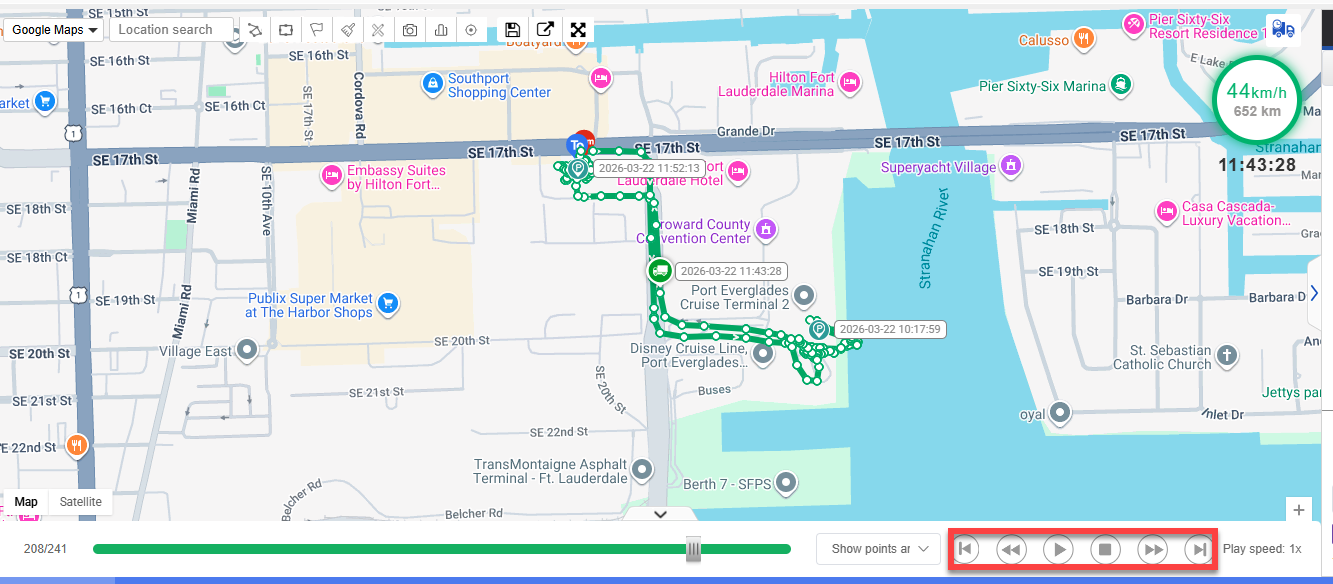
The picture below shows the play button for the track playback. Clicking the middle play icon will cause the vehicle to replay according to its historical driving path. The other 4 buttons, from left to right, will respectively perform the actions of going back, reducing the playback speed, increasing the playback speed, and fast-forwarding.
The upper right corner of the track playback map has added the function of querying the device track information by using the tracking number (only supporting the search for tracking numbers of tasks in progress or completed).