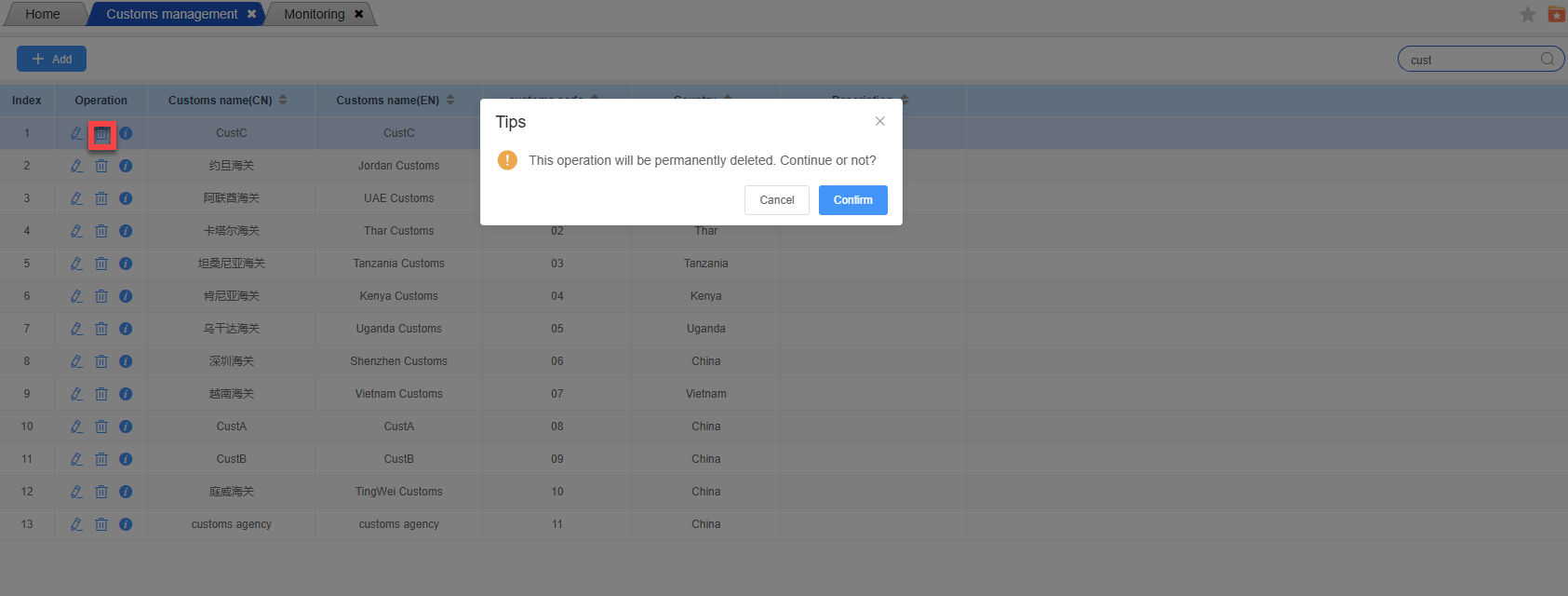
Enter the customs operation management interface: Open the system, locate and click on the “Customs Management” function module to enter this operation interface:
Add customs
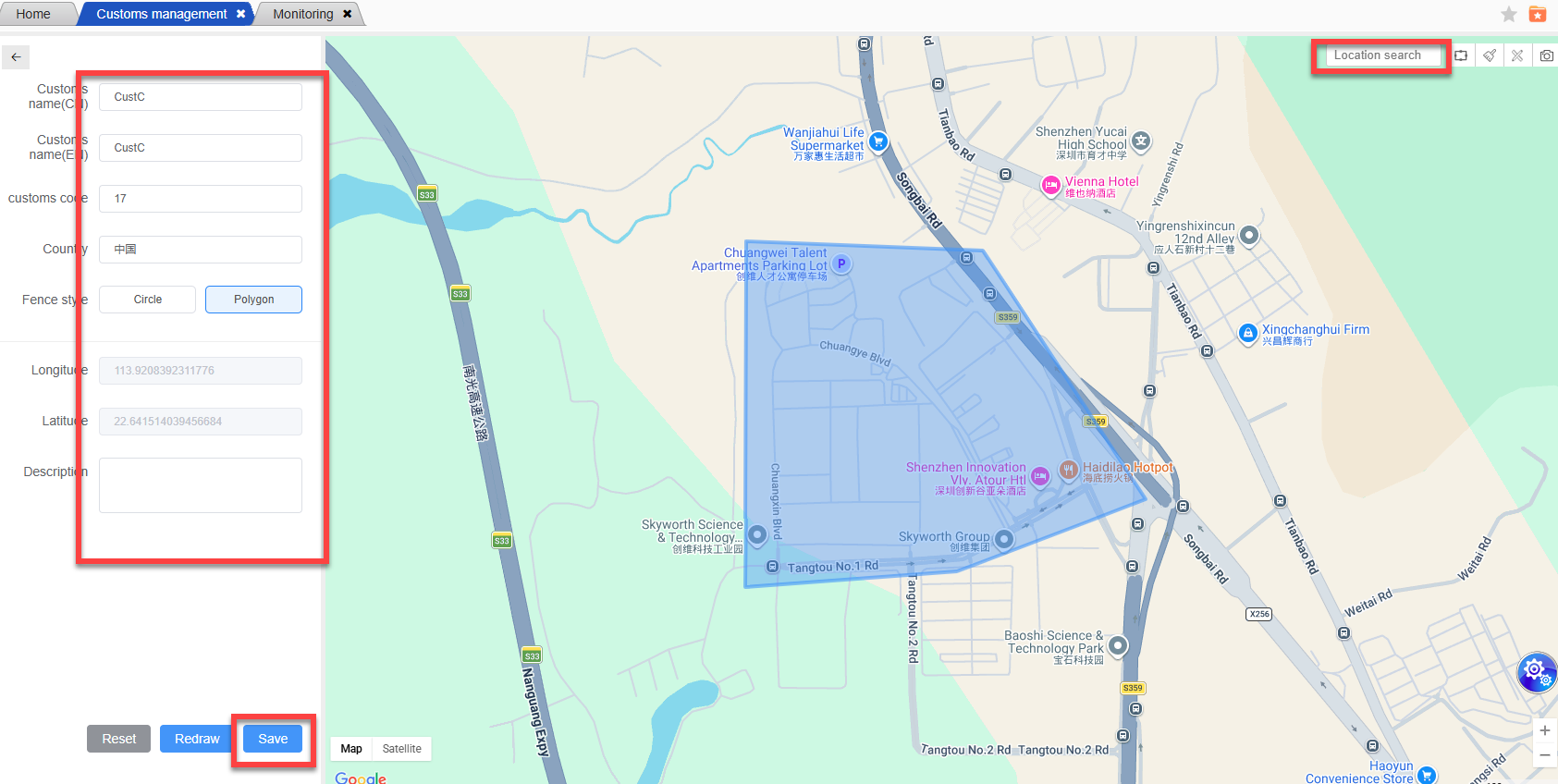
In the left information entry area, those marked with “*” are mandatory fields. Enter the customs name (in Chinese and English) one by one, select the country, and fill in the customs code, description and other information as needed.
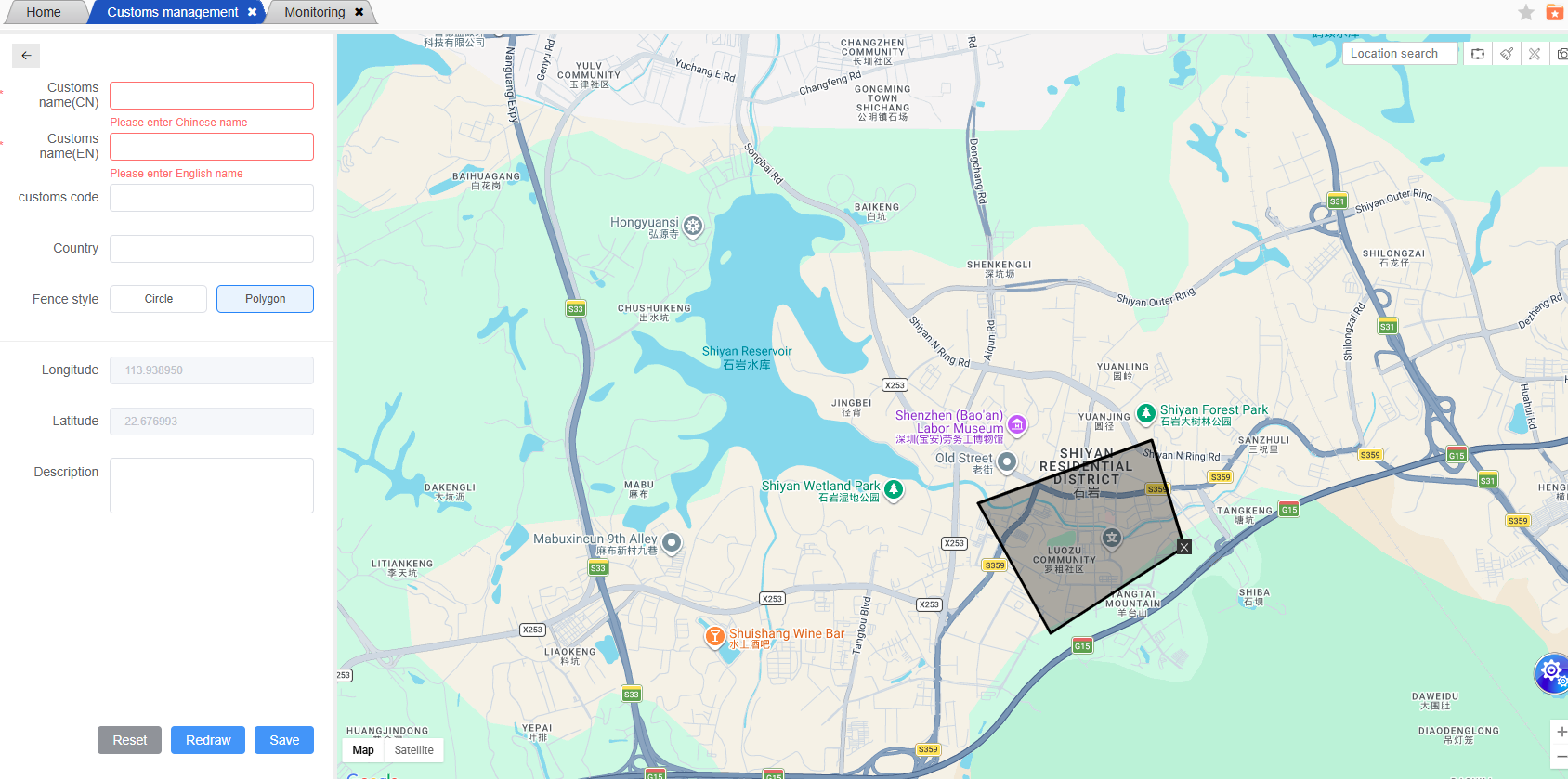
If you need to set up a fence, select the fence style (round or polygonal), input parameters such as longitude and latitude, and confirm the information is correct. Then click the “Save” button to complete the addition of the customs fence.
Search the customs
Enter the known customs name (in Chinese or English), customs code, etc. in the left area, and click “Query” (if available) or let the system automatically filter to quickly locate the target customs.
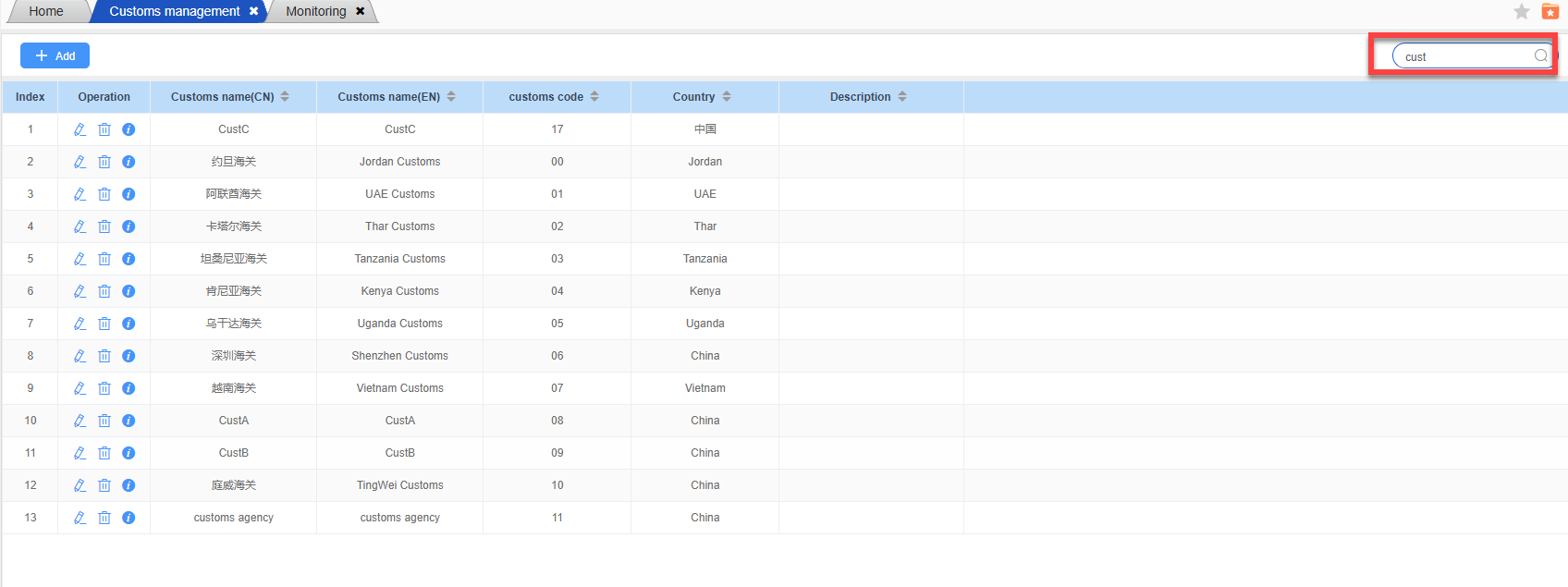
You can also use the “Smart Search” box on the map to enter keywords to find the location of the customs.
Modify customs information
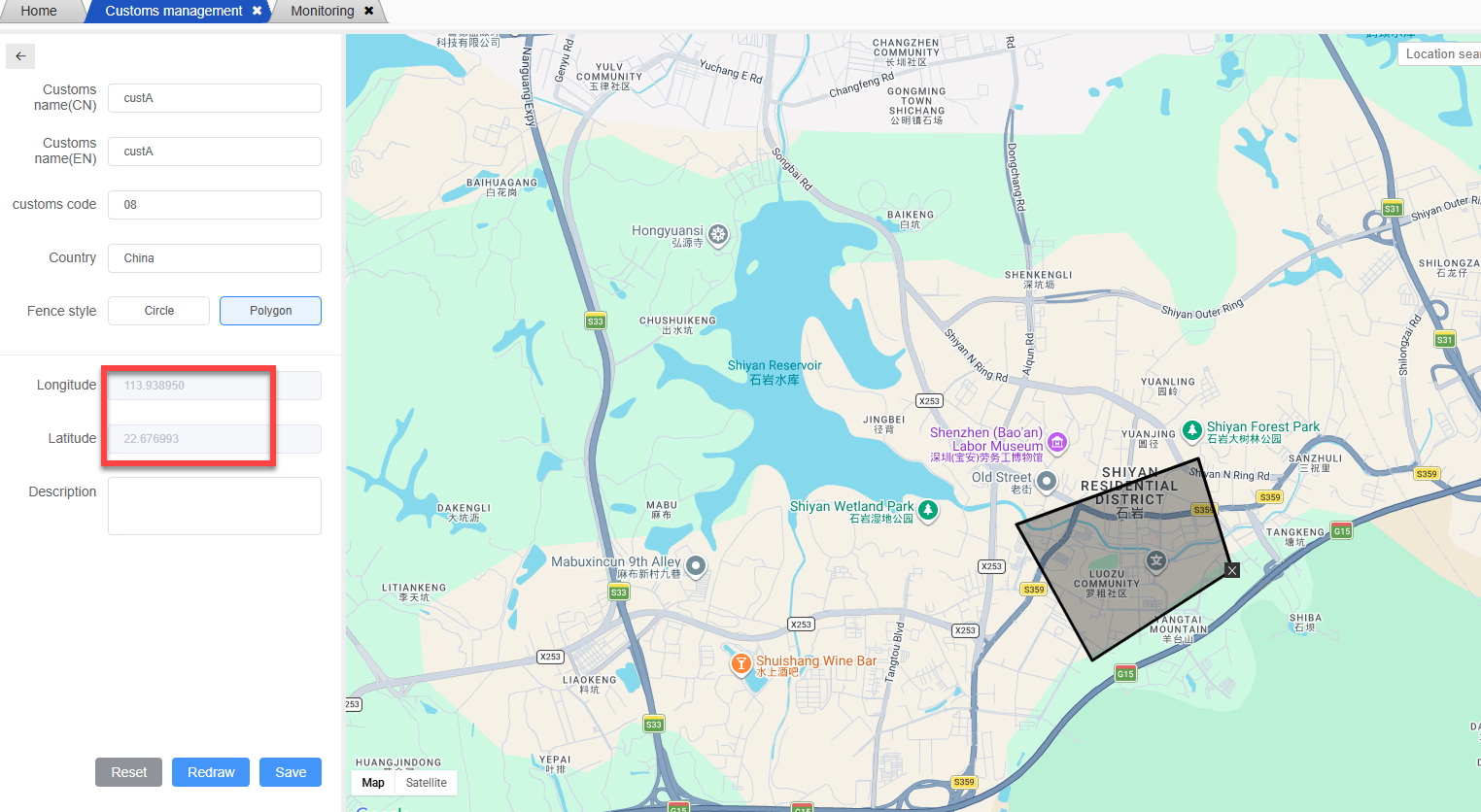
By searching, locate the customs that need to be modified, and click on its marker or related record on the map. In the information area on the left, modify the corresponding information. After the modification is complete, click “Save”.
Delete customs
Locate the customs records to be deleted, click the delete icon in the operation column (if available), and follow the prompts to confirm the deletion operation.