The system will perform the most optimal adaptive adaptation based on the current resolution of the device. When the number of queried vehicles is large, you can view all vehicle information by pulling down the scroll bar on the right side. Each vehicle has its own map view, which facilitates real-time tracking of major cargo vehicles for customers and supports multi-screen display.
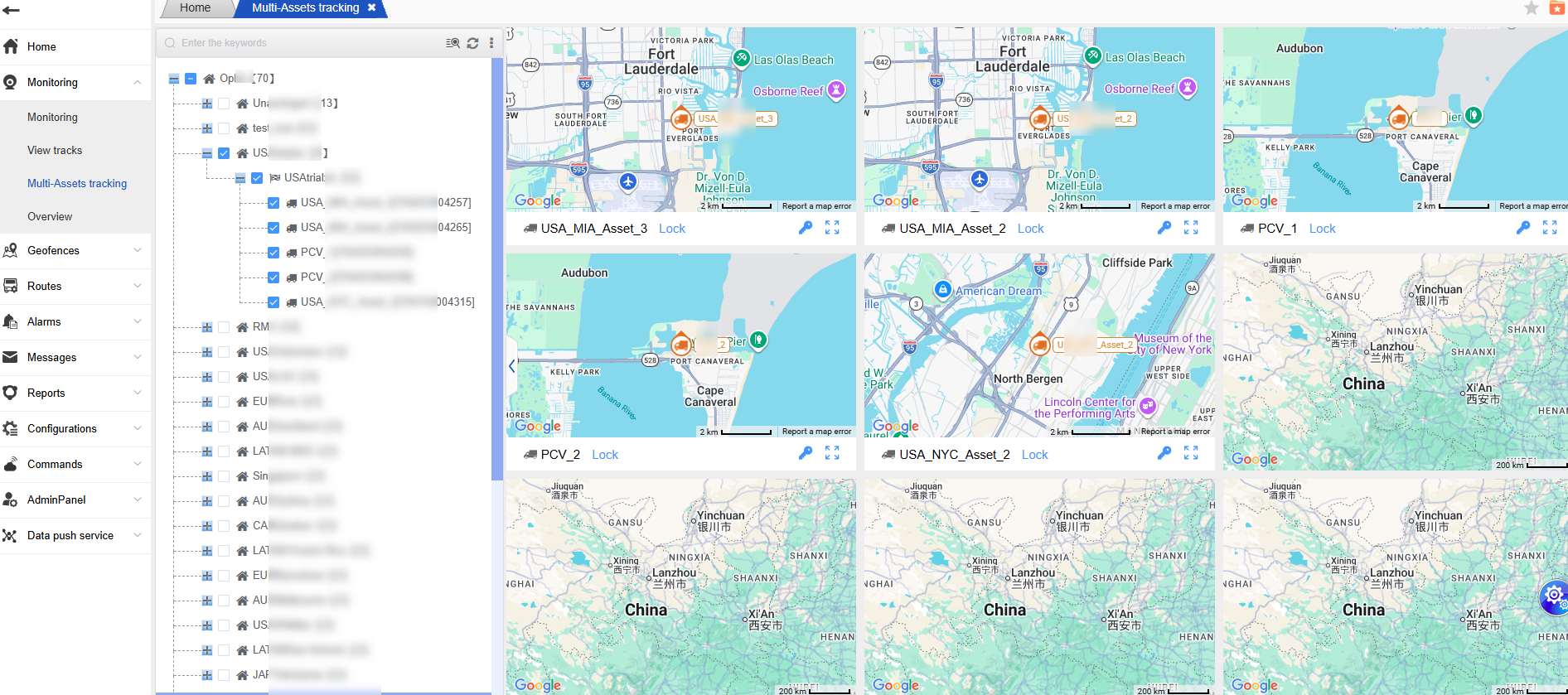
Vehicle Information Check
After opening the multi-vehicle tracking page, you will see a separate map view for each vehicle. If the number of vehicles being queried is large and the page cannot display all the information, a scroll bar will appear on the right side. You just need to pull down the scroll bar to view all the vehicle information.
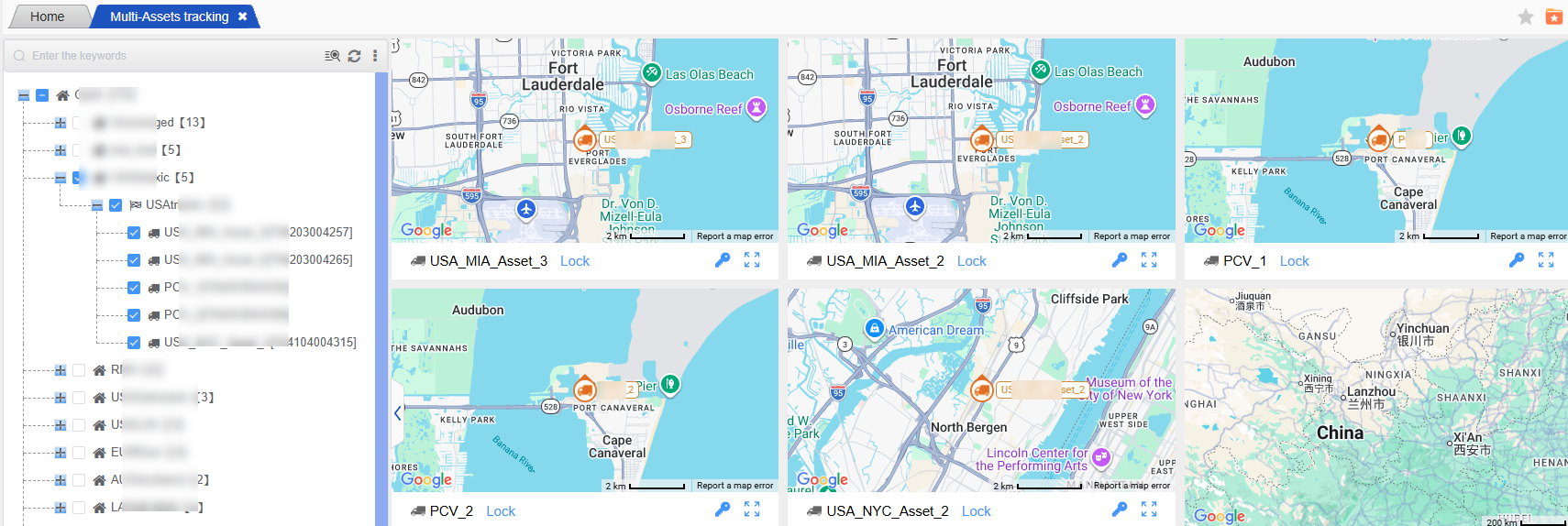
Map viewing operation
You can perform the following operations on individual vehicles within a single map view:
Maximize display: This feature allows you to expand the map view of a specific vehicle, enabling you to view the vehicle’s real-time location and related information more clearly.
Unlocking operation: If the vehicle has the unlocking function, you can perform the locking operation within the corresponding map view.
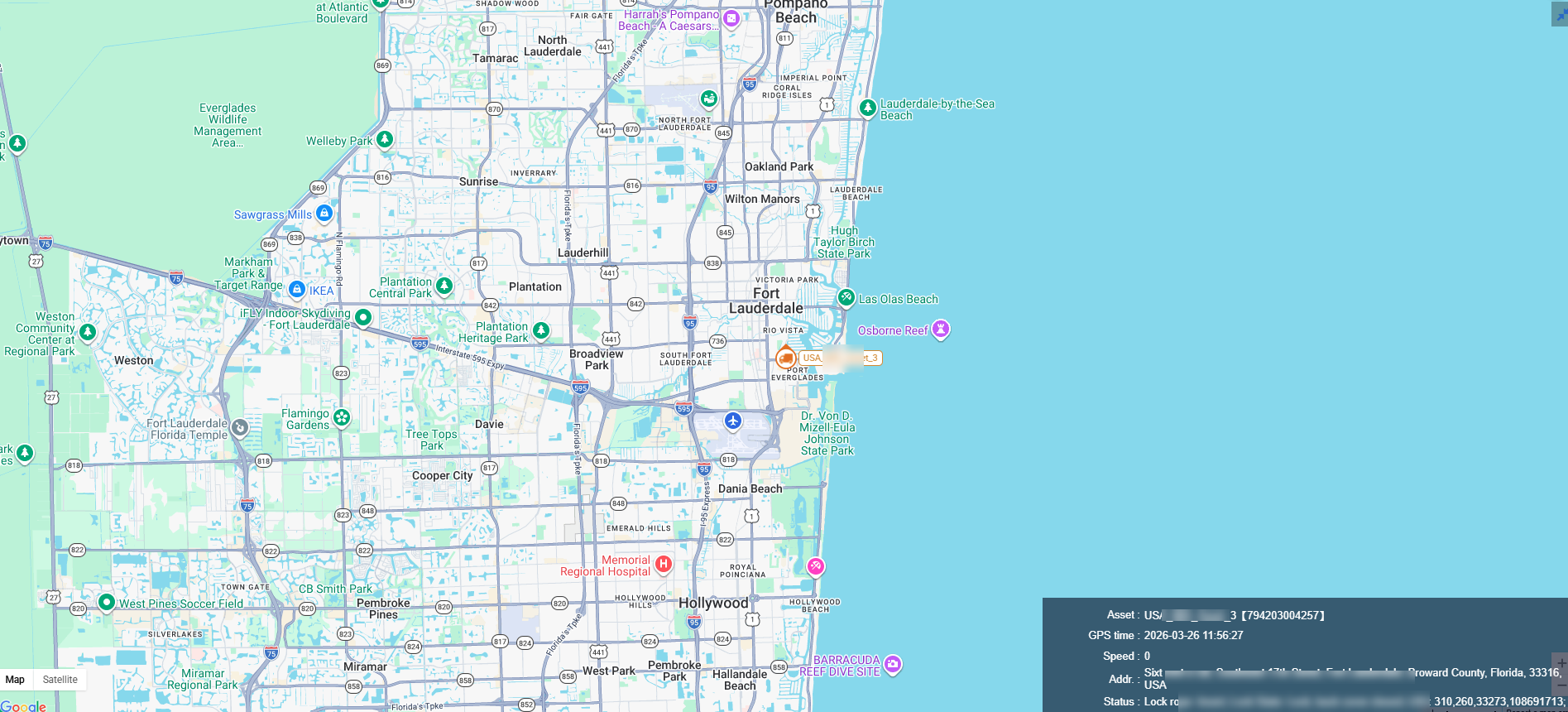
With the above multi-vehicle tracking function, you can more conveniently conduct real-time tracking and management of multiple cargo vehicles.